Send Payment Readiness Reminder Emails
Background
The Send Payment Readiness Reminder feature helps notify Payees when payment on an invoice cannot be processed because of one or more missing payment requirements. When a reminder is sent, the system emails the invoice contacts associated with the selected invoice(s), informing them that payment is currently blocked and identifying the payment requirements must be completed before the invoice can move forward for payment. This provides a proactive way to communicate payment delays and helps subcontractors take the necessary actions to become payment ready.
Steps
Navigate to the Company level Payments tool.
Click the Subcontractor Invoices tab.
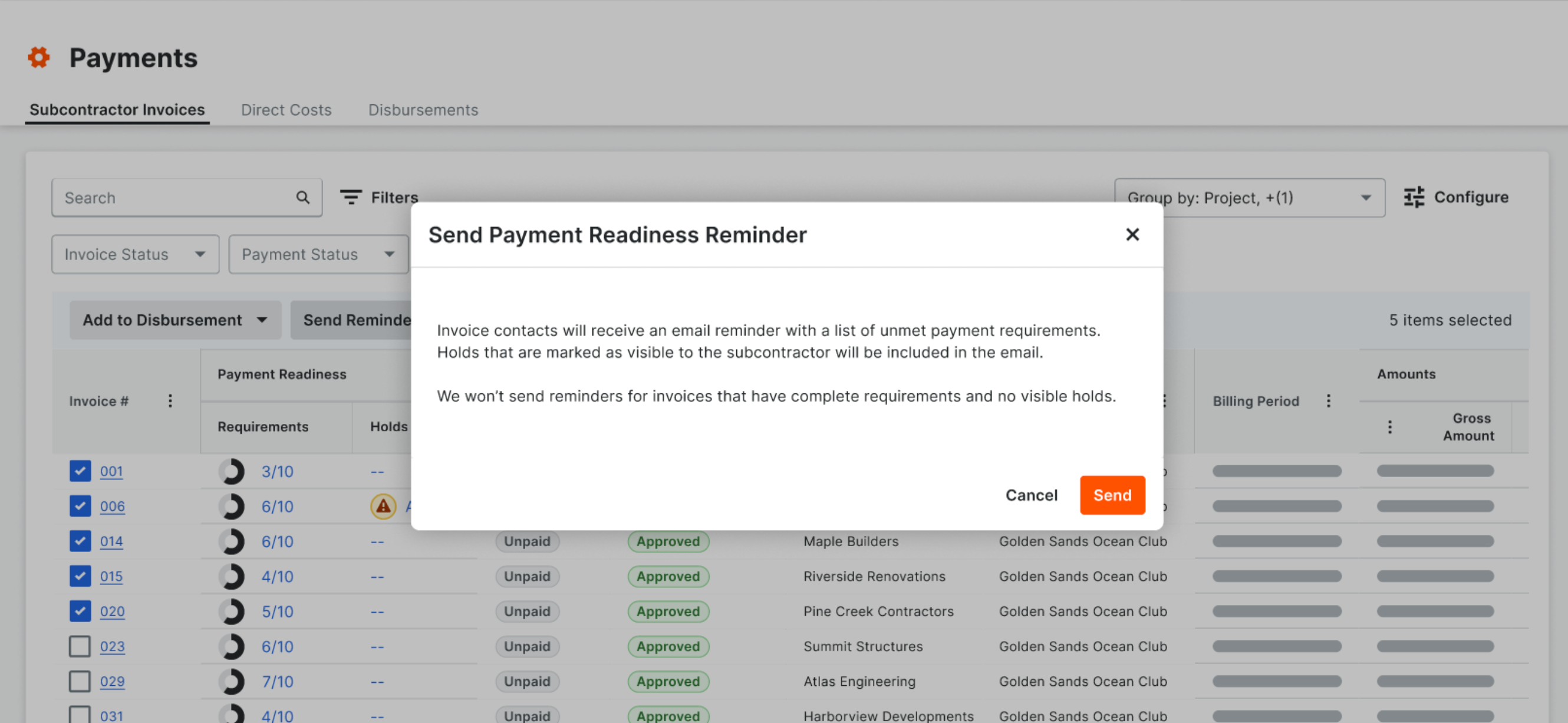
Select one (1) or more invoice(s) by marking the checkbox(es) and click Send Reminder.
In the 'Send Payment Readiness Reminder' confirmation modal, review the informational message and click Send.