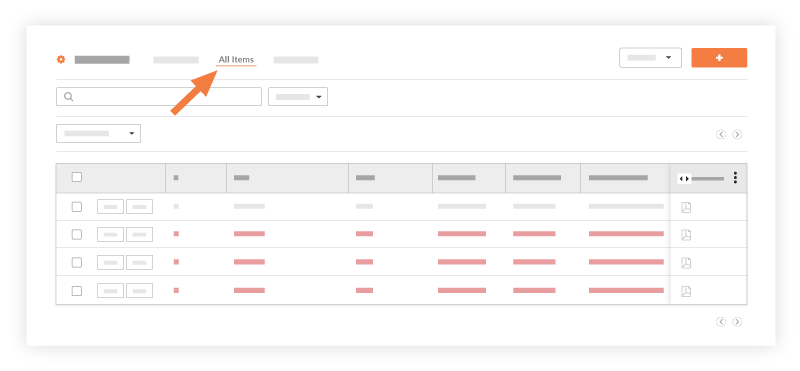
View All Punch List Items
Background
You can access a list of all punch list items for an overview of the items' progress or to locate a single item. The default view displays all punch list items in the 'Open' status that currently require attention and resolution. You can also filter punch list items by Priority, Assignee, Response, and Status.
Things to Consider
Modernized Punch List View (Beta)
Experience faster filtering, dynamic grouping, saved custom views, and expanded bulk editing with the new Smart Grid Table. Read the Navigate the Modernized Punch List View Beta guide to see what's new and learn how to turn it on.
Additional Information:
The Punch List default view is set to only show your open punch list items.