View My Open Items
Background
My Open Items lists all actionable tasks—such as submittals, RFIs, and inspections—assigned to you.
The items you see depend on your view. At the project level, My Open Items displays tasks exclusive to that specific project. At the company level—via the Consolidated My Open Items Workspace —the list dynamically aggregates open items from across all projects and companies.
Things to Consider
Required User Permissions on the company's Procore Home tool.
Steps
Navigate to My Open Items.
From the My Open Items
 icon in the navigation bar: Show / Hide Steps
Optional: Search and Filter Open Items.
Click the title of any open item to view it.

Navigate to your company's Portfolio tool.
The Portfolio page appears. After you create a project, this page lists all the projects in your company's Procore account.Click My Open Items.
This reveals the My Open Items page, which lists your open items by Project Name, Item Type, Details, and Status. This list is also sorted by Due Date.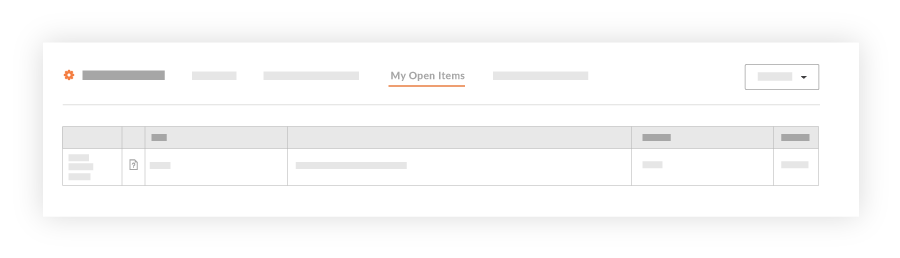
Choose from these options:
To navigate to the project's Home page, click the Project Name link.
To open the project item, click the Details link.