Export Your 'My Open Items'
Background
If you have been granted access permission to one or more projects in a company's Procore account, you can view a consolidated list of open items that need your action.
Things to Consider
Required User Permissions to the company's Procore Home tool.
Additional Information:
The file is downloaded to your device's default download location.
Steps
Navigate to My Open Items.
From the My Open Items
 icon in the navigation bar: Show / Hide Steps
Optional: Search and Filter your open items.
Click Export and select PDF, CSV, or Excel to download your file.

Company Portfolio (Legacy)
Navigate to your company's Portfolio tool.
Click the My Open Items tab.
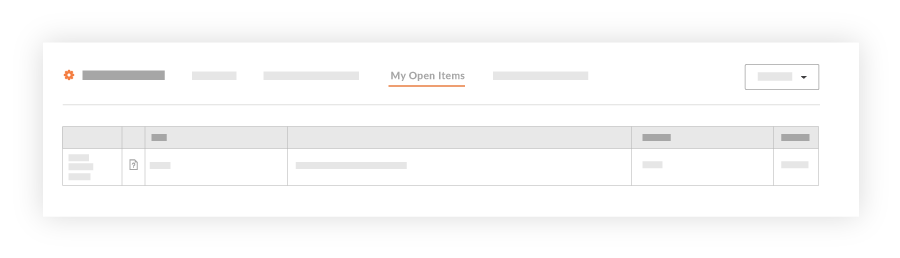
Click Export and select PDF or CSV to download your file.