Print a Location QR Code
Background
You can print the QR Code for the desired location of a project using the Locations tool. In Procore, a location QR Code is a two-dimensional, machine-readable barcode that links directly to a specific project location. You can easily save and scan the QR Code of a location.
You can also print the QR Code for multiple locations using a bulk option in the Locations tool.
Things to Consider
Compatible print format supported: Avery™ 6460
Important
A QR code scanner app will not recognize these QR codes. You must scan the QR code with one of Procore's mobile apps to either filter by the location identified in the QR code or create an item in Procore with that location linked.
 icon in the corresponding row, and select Print QR Code.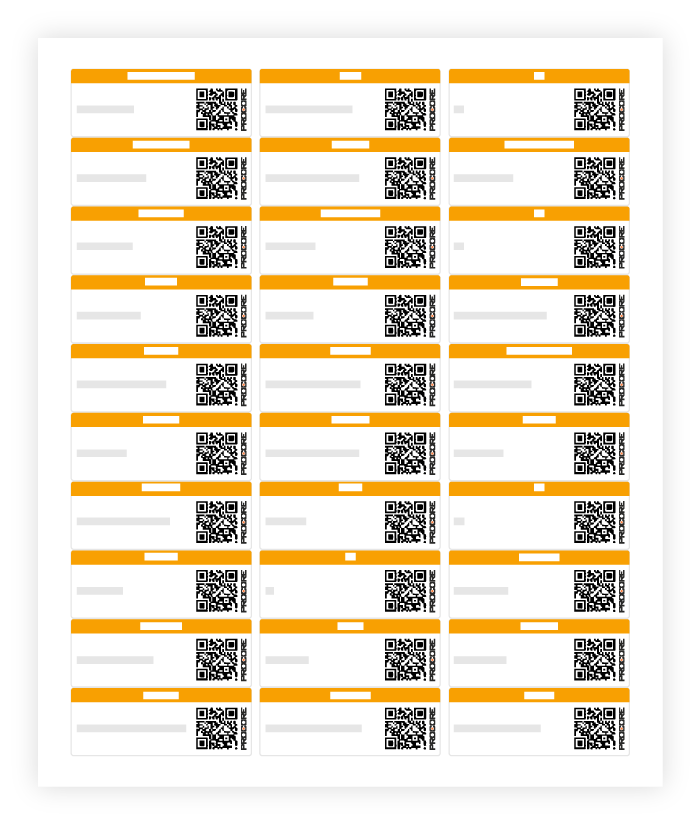
 Print QR Code option appears above the List or Tree View table on your left side.