Group Inspections on the List Page
Background
Beta
A modernized list view is now available for the Inspections tool! This feature offers enhanced filtering, customizable table columns, and saved views. To try the new interface, toggle Beta Items List to the ON position at the top of the Inspections list.
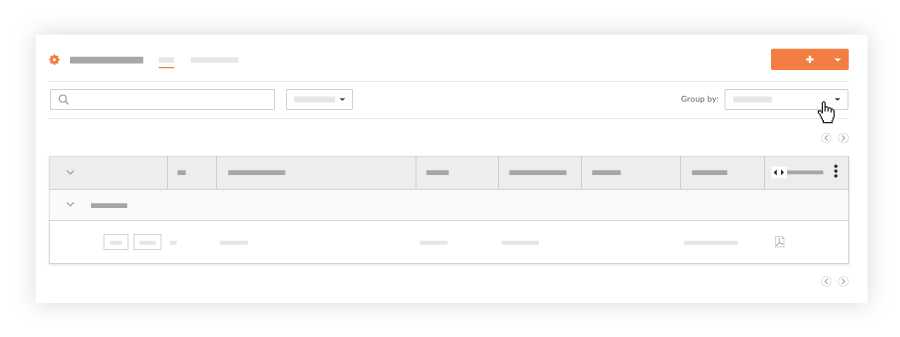
When viewing a list of project inspections, you can use the options in the 'Group by' menu to visually organize your project's inspections.