Delete a Crew
Things to Consider
Steps
Navigate to the project's Crews tool.
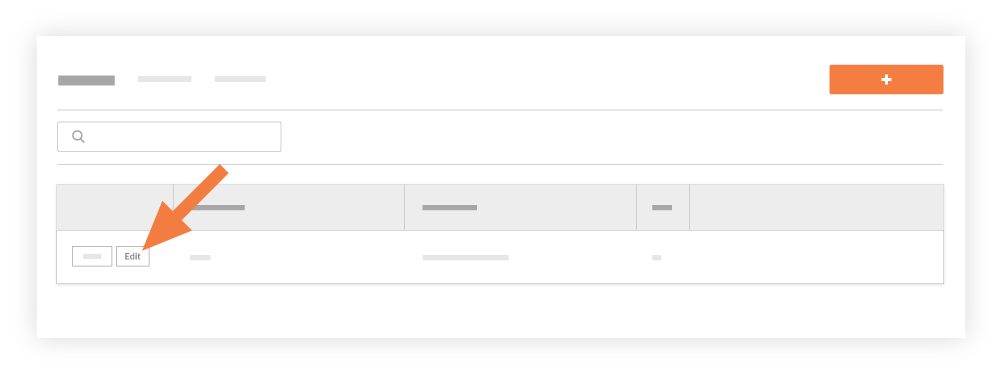
Click Edit next to the crew.
Click Delete.
Click Confirm to delete the crew.
See Also
Loading related articles...
Welcome to our new support center! Here, you will find answers to all your questions about Procore products and features—more easily than ever before. This is now the only support site for Procore. The previous site (support.procore.com) is now obsolete and will no longer be updated.
The most used Product Manuals across the site
Highlights of newly released Product Manuals
Navigate to the project's Crews tool.
Click Edit next to the crew.
Click Delete.
Click Confirm to delete the crew.
Loading related articles...