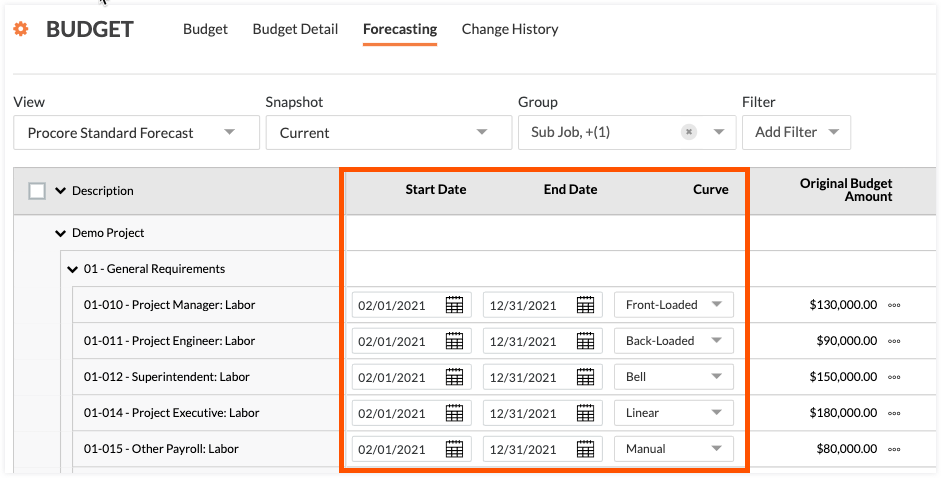
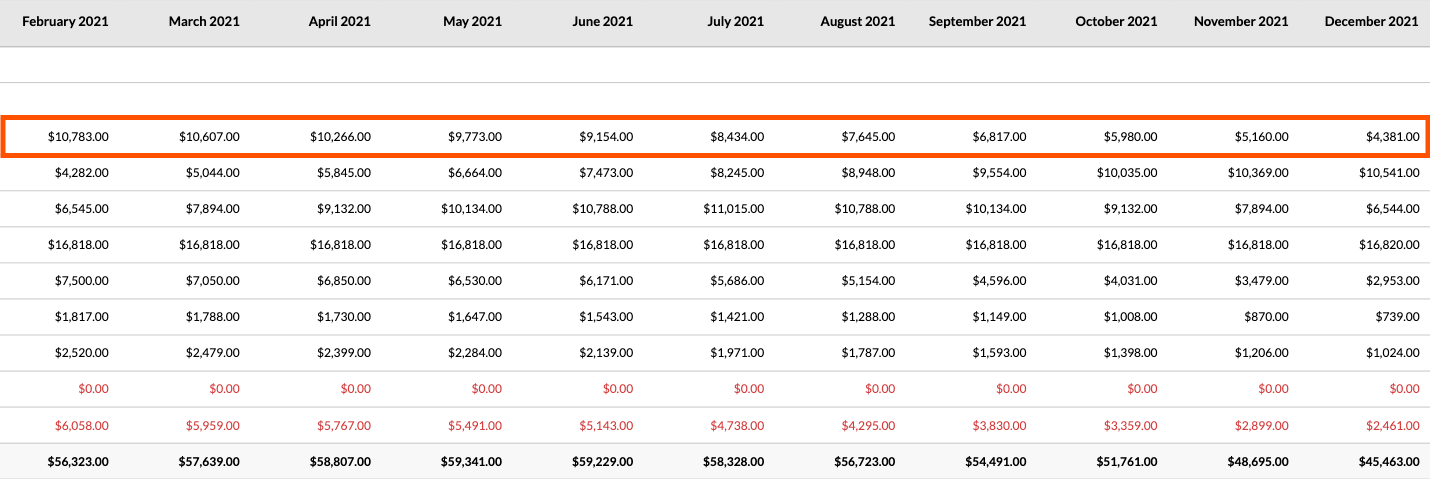
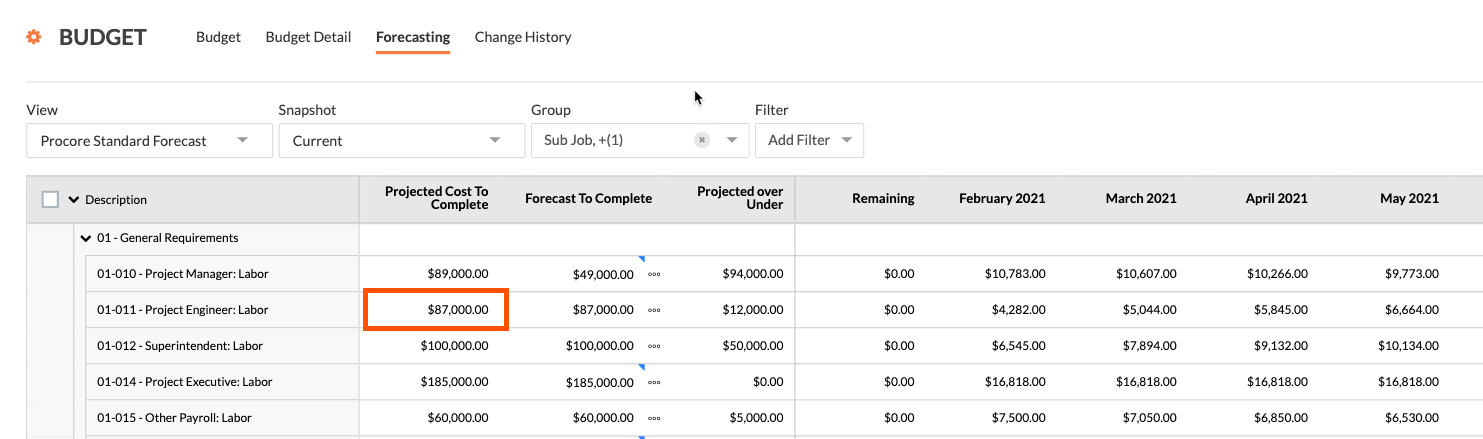
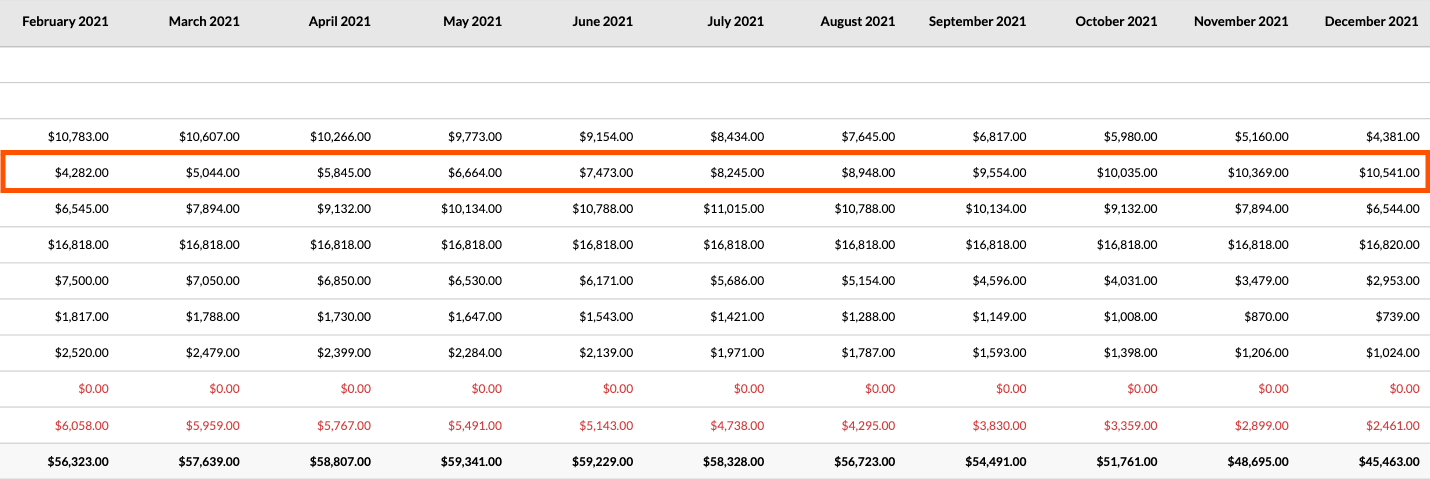
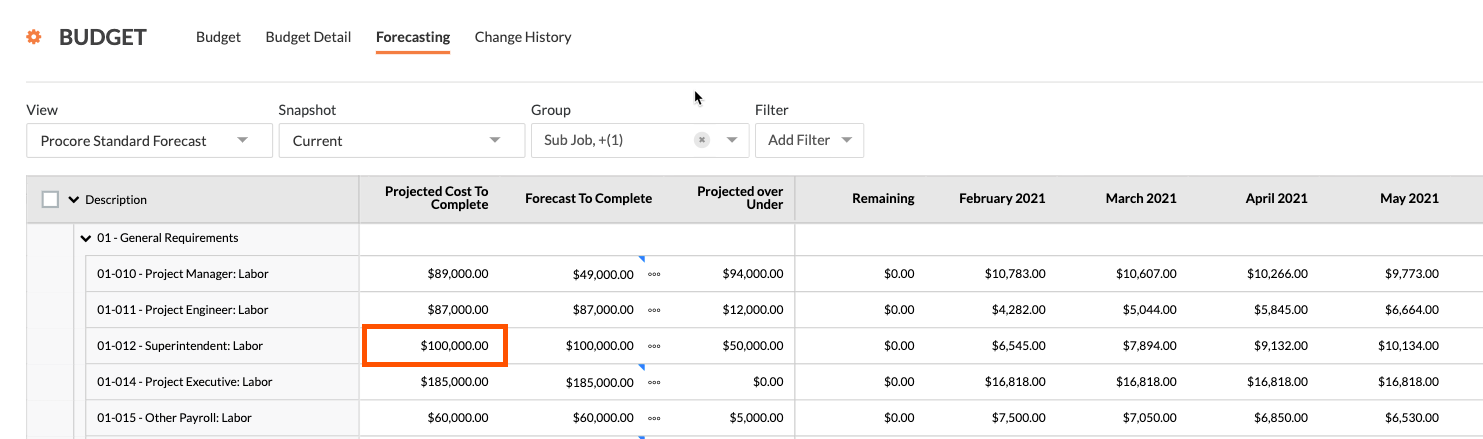
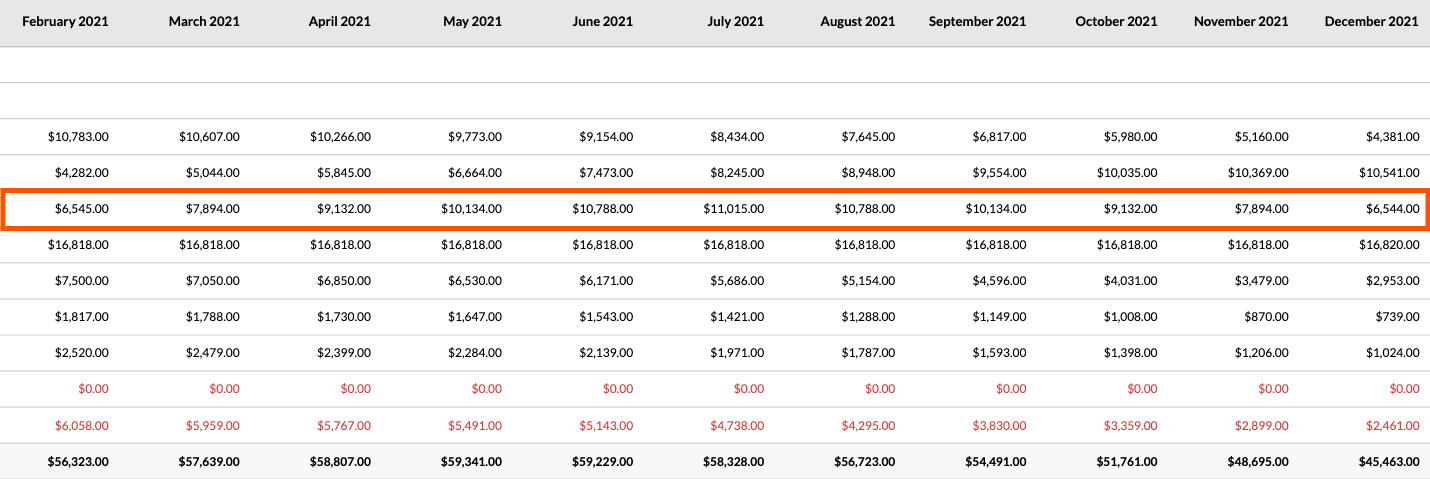
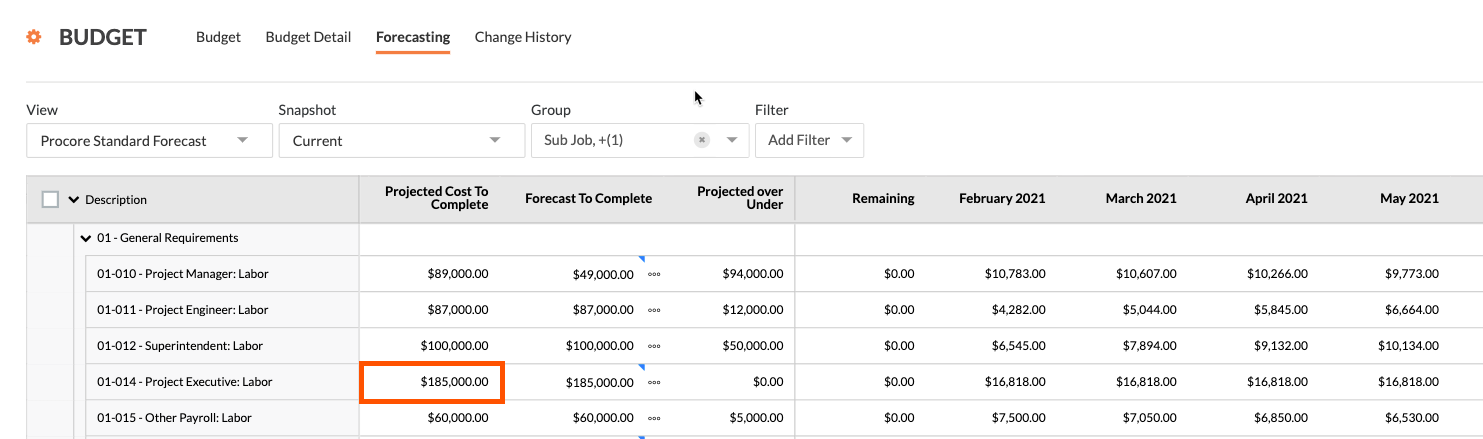
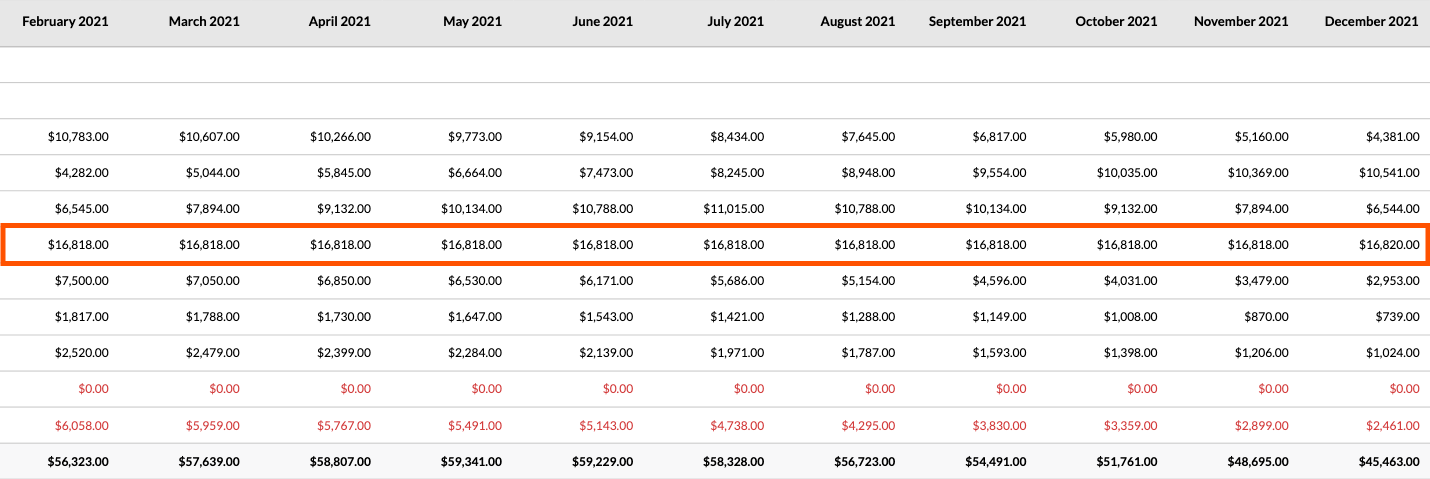
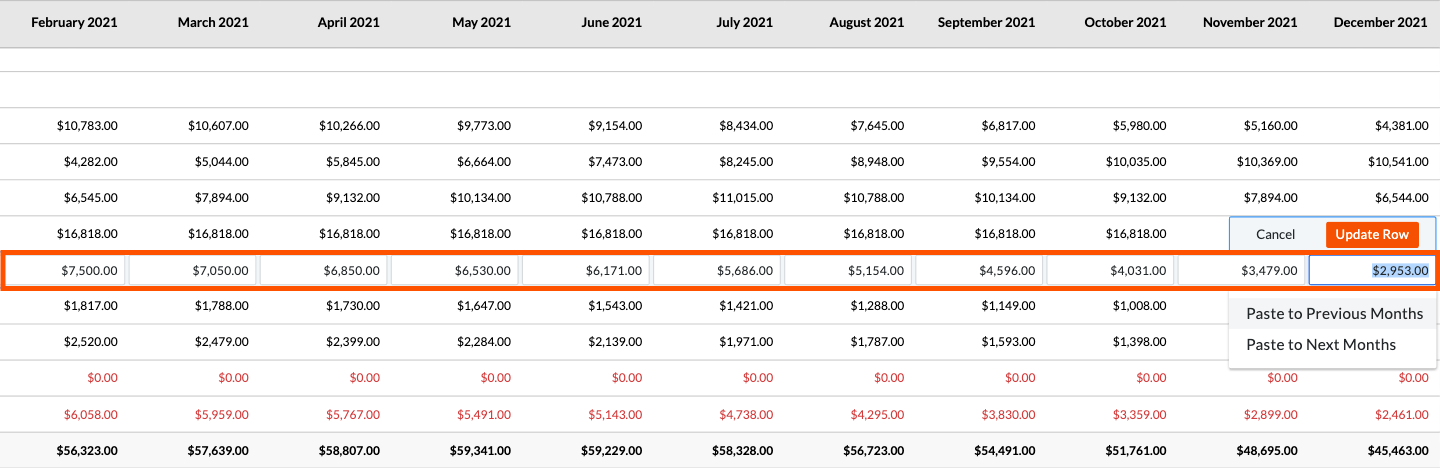
In the fifth line item of the example budget, custom amounts are entered in each of the monthly forecast columns. Although manual is not a menu option, the action of typing a value places the line item into 'Manual' entry mode so you can set each month's cost projection on the budget line item.
 Note: In the enhanced forecasting table, the 'Manual' option is selected, and custom amounts are entered in the monthly forecast columns. For details on opting into the beta program, see the banner at the top of this page.
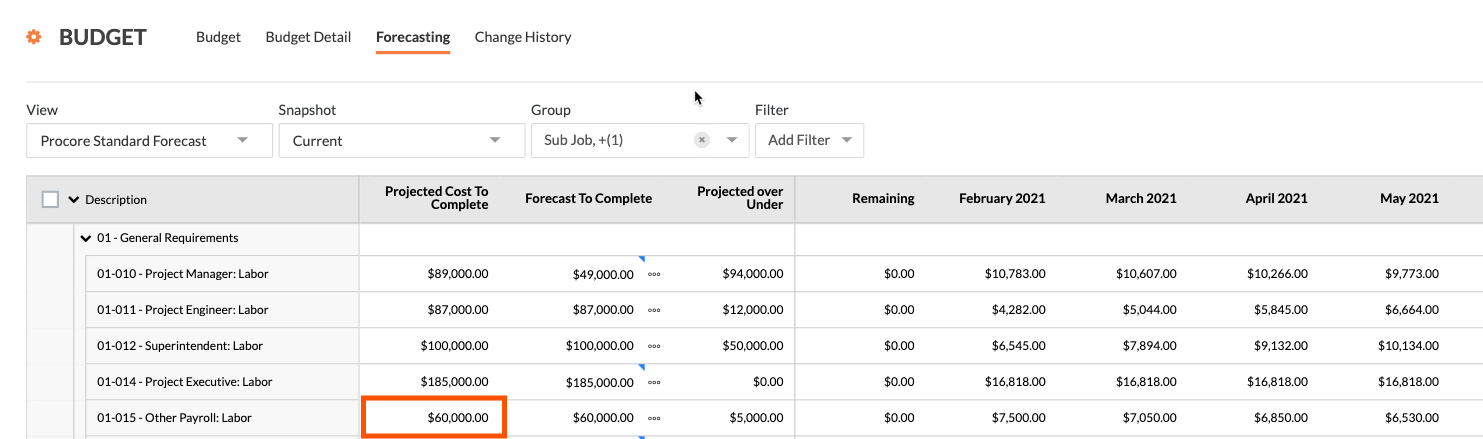
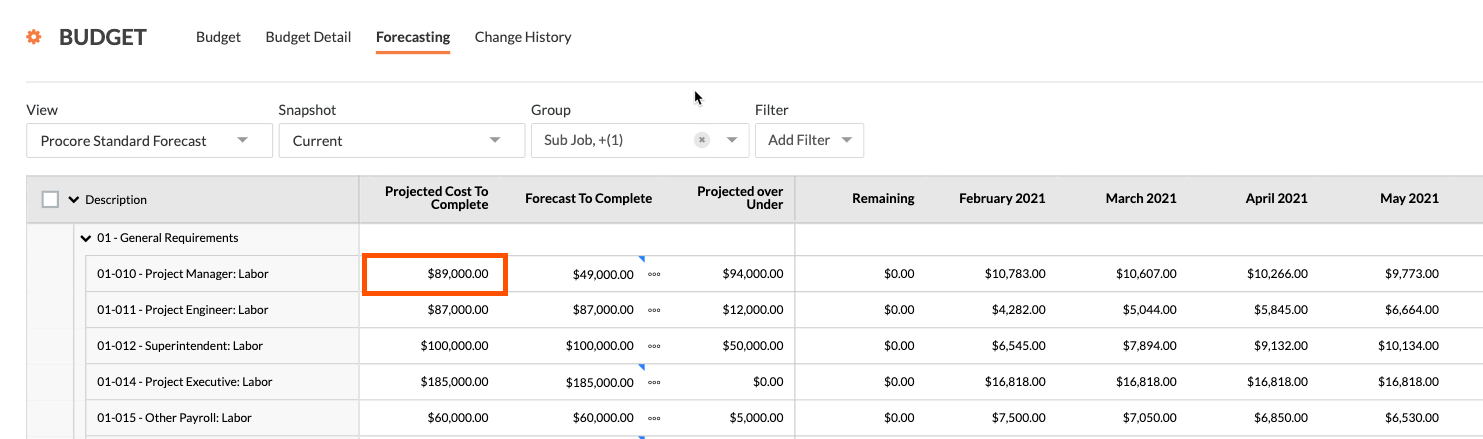
When you scroll to the right, you can click into the individual cells on the line item to manually enter your own values and spread monthly spending as needed. After entering the value, click the Update Row button. You also have the option to paste the amount you enter here to all previous months or to all of the following months. If you make a mistake, simply click Cancel.
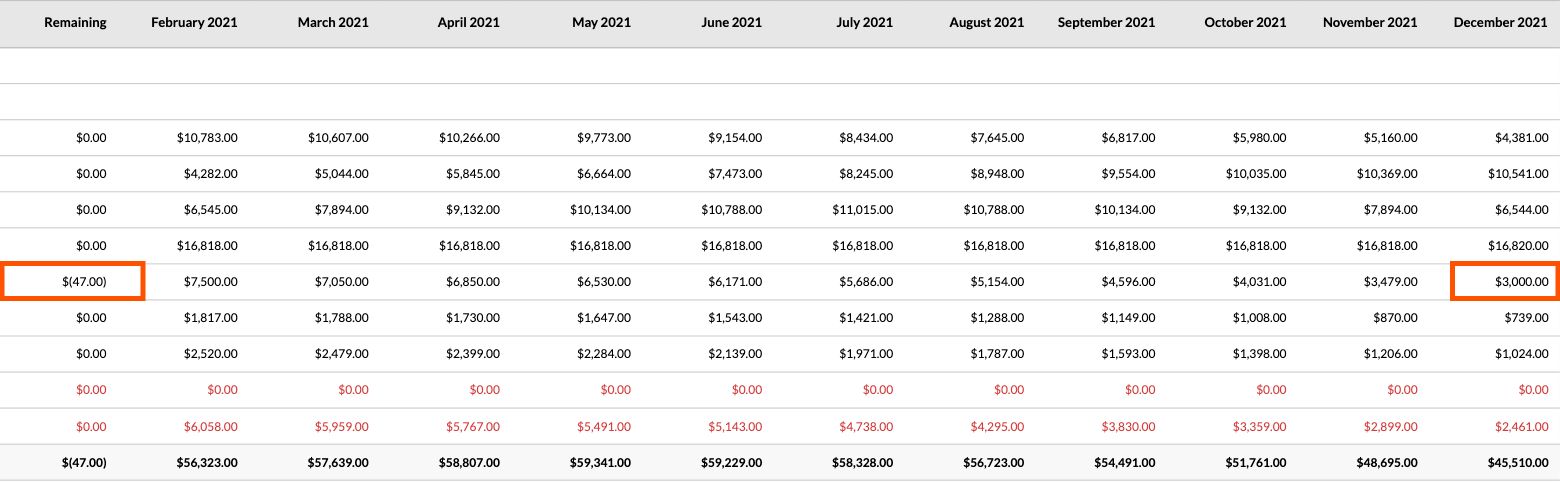
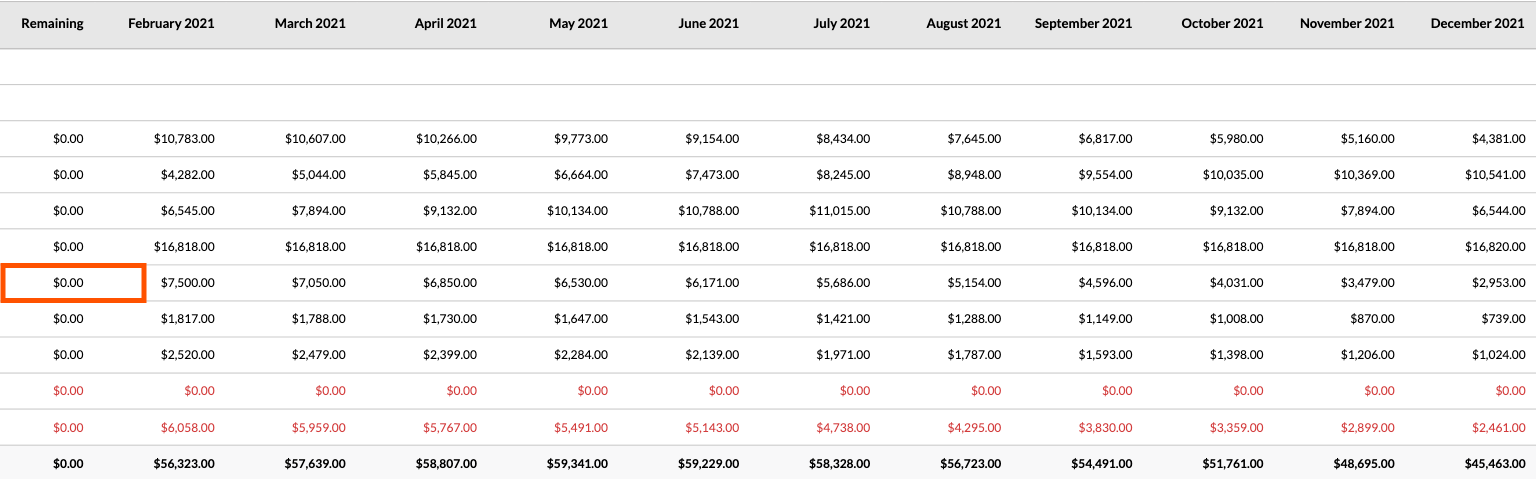
After Procore updates the row, the value in the 'Remaining' column updates to show you how many dollars you have left to allocate. When you have allocated the correct amount, the column value should read $0.00 as shown below.
If you over-allocate the amount, the 'Remaining' column will show a negative amount in parentheses, as shown below.