Return a Workflow to a Previous Step
Things to Consider
Required User Permissions:
'Admin' level permissions on the Company Directory tool.
ORUsers with the 'Can be Workflow Manager' granular permission on their permissions template.
Steps
Navigate to the tool and item containing the workflow.
Click Show Workflow.
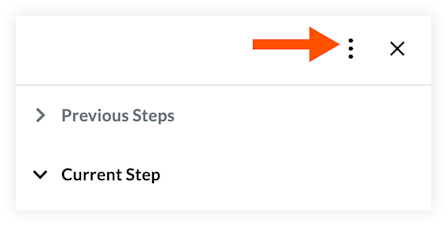
Click the vertical ellipsis at the top of the workflow side panel.
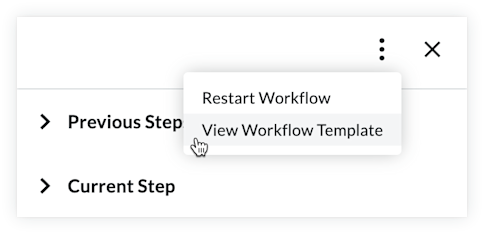
Click View Workflow Template.
Click the Return To menu at the top of the page and select a step to return to.
Note: You can only return to any workflow step that has previously been completed.

Click Submit.
See Also
Loading related articles...