Search for and Filter Timesheets (iOS)
Things to Consider
Steps
Search for a Timesheet
Navigate to the Timesheets tool on an iOS mobile device.
Tap into the Search bar.
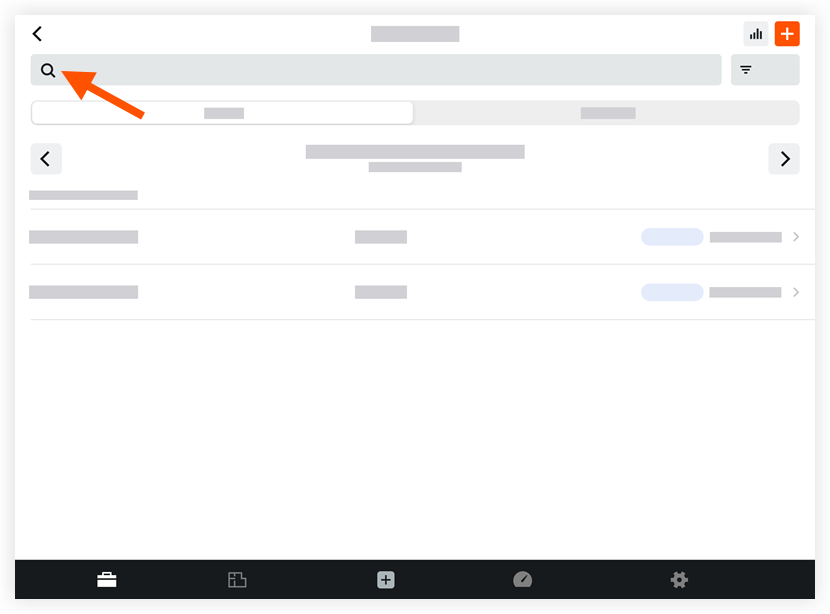
Type a keyword or phrase to search the following fields:
Name
Location
Cost Code
Filter Timesheets
Navigate to the Timesheets tool on an iOS mobile device.
Tap Filter.
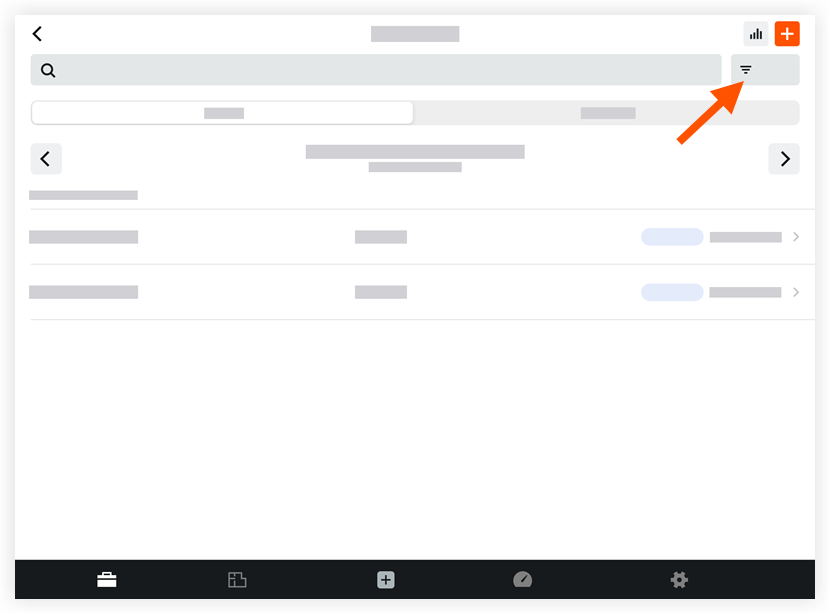
Tap one or more of the following filter options:
Signature Status
Creator
Employee
Crews
Sub Job
Cost Code
Location
Time Type
Billable
Classification
Tap Apply.
Note: To remove filters at any time, tap Reset All Filters in the filter menu.
See Also
Loading related articles...