Search for and Filter Tasks (iOS)
Things to Consider
Required User Permissions:
'Read Only' or higher permissions on the project's Tasks tool.
Steps
To Search for a Task
Navigate to the Tasks tool on an iOS mobile device.
Tap the Search bar.
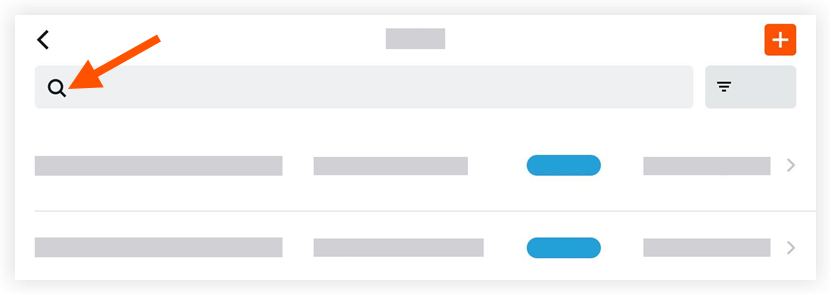
Enter a keyword of phrase. The search will return queries that match:
Number
Title
Description
Status
Assignee
To Filter the Tasks Log
Navigate to the Tasks tool on an iOS mobile device.
Tap the Filter
 icon.
icon.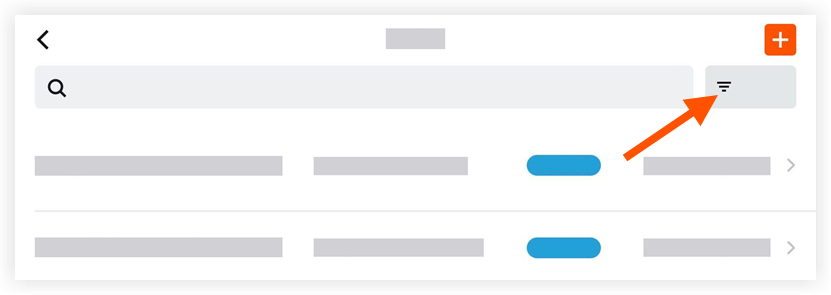
Tap one or more of the following options to set the filters:
Status
All
Initiated
In Progress
Ready for Review
Closed
Void
Ownership
All
Mine
Due Date
Due Date
Tap Apply.
Note: To view all tasks again, tap the Filtericon and then tap Reset All Filters.
See Also
Loading related articles...