Set Favorite Tools for Multiple Projects
Background
You can set your favorite project tools for multiple projects using your Profile Settings.
Things to Consider
Required User Permissions:
'Read Only' level permissions or higher on the company's Portfolio tool.
AND'Read Only' level permissions or higher on the Procore tools that you want to add to your favorites list.
You must have a default permissions template assigned to your user account.
Steps
Complete the steps in Log in to Procore Web.
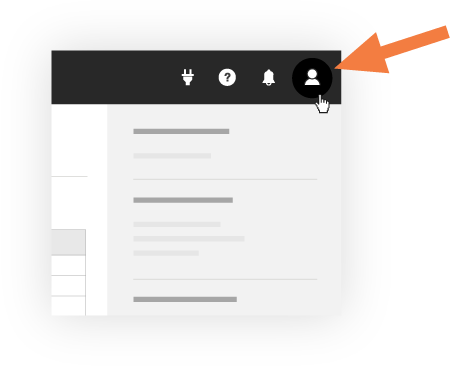
Click the 'Account & Profile' icon in the top-right of the navigation bar and select My Profile Settings.
Click the Favorites tab.
Click the caret > next to the company name to open the list of project tools.
Mark the checkbox next to each project tool that you want to select as a favorite. You can select up to 25 tools per company.
Optional: To reorder your favorites, click and hold the more menu (≡) icon next to a tool's name and use a drag-and-drop operation to move it to a different position.
Click Save.
Click OK to save.
See Also
Loading related articles...