Search for and Filter Drawings (iOS)
Things to Consider
Required User Permissions:
'Read Only' or higher permissions on the project's Drawings tool.
Additional Information:
If your project uses drawing areas to organize drawings, you can only search drawings in one area at a time. See What are Drawing Areas?
When searching for text within drawings:* Only results for vector text can be found. See What is the difference between raster and vector content in PDFs?* Text within drawing markups (e.g. text box markups, linked items) is not included in the search.
Steps
Open the Procore app on an iOS mobile device.
Tap the project's Drawings tool.
See steps for the following options:
Search Drawing Numbers and Titles
Search Text Within Drawings
Filter Drawings by Discipline
Search Drawing Numbers and Titles
Tap the search bar.
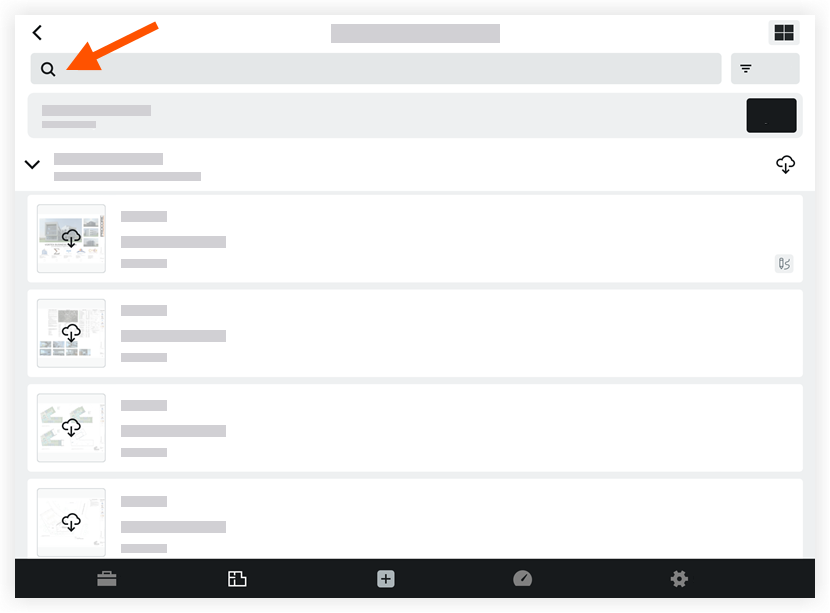
Use the 'Search Modifier' options to search for drawing numbers or titles.
Number:
Tap + number to search for a drawing number.
Enter a drawing number (e.g. A111).
Title:
Tap + title to search for a drawing title.
Enter a drawing title or a keyword that might be included in the title (e.g. electrical).
As you type, search results display.
Tap a drawing to view its details.
Note: The search bar will be located at the bottom of the screen when viewing a drawing. You can expand the search panel by tapping on the search bar or by swiping up. The search panel will automatically minimize after tapping a drawing.
Search Text Within Drawings
You can search for text that appears within a drawing to see where it appears.
Tap the search bar.
Enter a keyword or phrase you want to search for.
As you type, search results will be displayed.
Note: Each drawing that contains the search term will be displayed with the number of results that were found.Tap on a drawing to view the search term in the context of the drawing.
Note: The search term will be highlighted each area that it appears on the drawing.Optional: Tap the search bar to view the list of results or search for another term.
Filter Drawings by Discipline
Tap the Filter
 icon.
icon.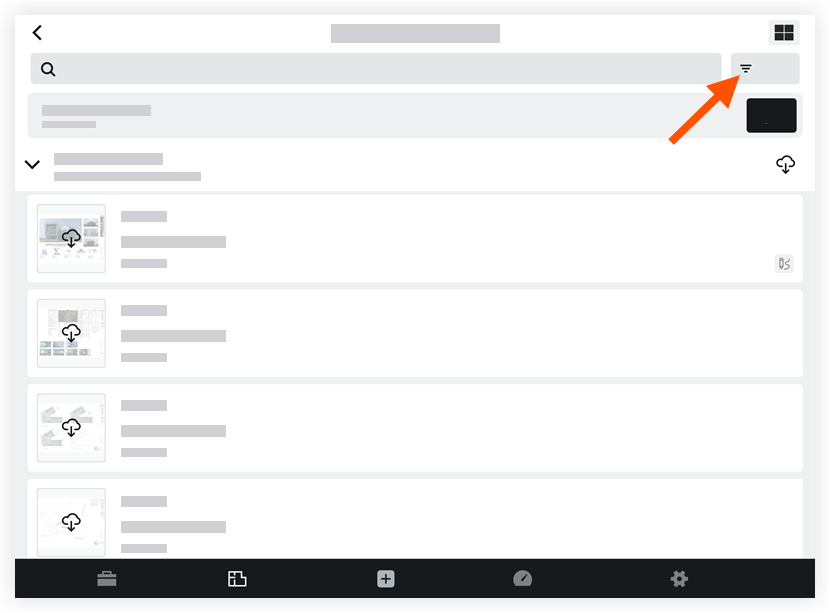
Tap the discipline that you want to filter the drawings by.
Tap Done.
See Also
Loading related articles...