Search and Filter for Change Events (Android)
Things to Consider
Required User Permissions:
'Read Only' level permissions or higher on the project's Change Events tool.
Steps
Navigate to the Change Events tool using the Procore app on an Android mobile device.
Search for a Change Event
Tap the Search
 icon to enter in a keyword or phrase matching the desired change event.
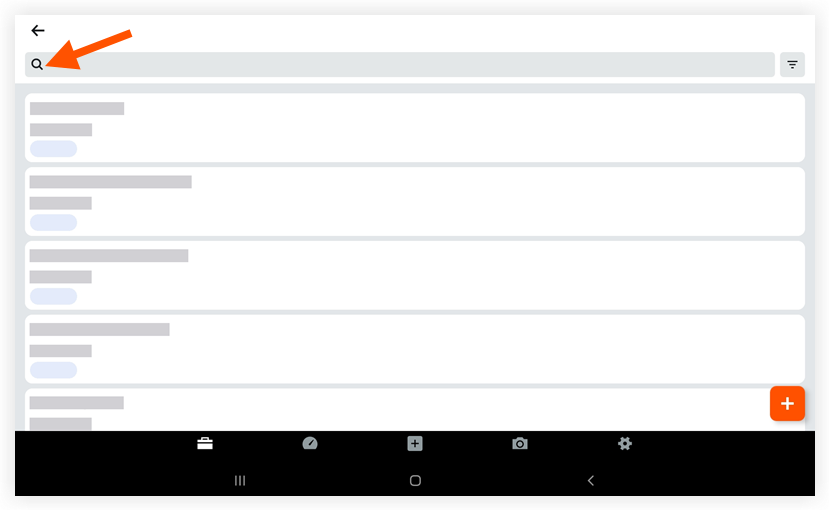
Tap a change event to view its details.
Filter Change Events
Tap the Filter
 icon.
icon.
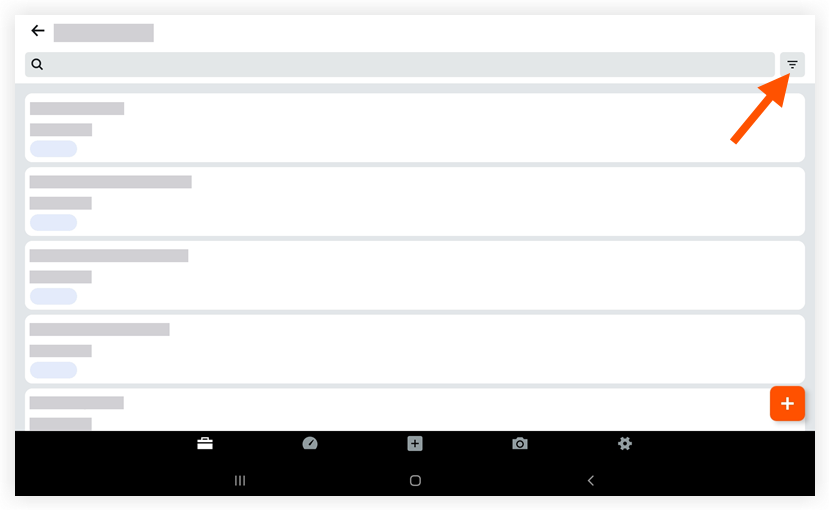
Tap a status to only view change events with that status.
Tap Apply.
Optional: To reset the filter that you applied, tap the Filter
icon again and then tap Reset.
See Also
Loading related articles...