View Information about an Installed App
Background
As a Procore company administrator, you have the ability to view information about Apps installed in a company.
Things to Consider
Required User Permissions:
'Admin' level permissions on the company's Directory tool.
For information about an app's usage, see 'App Activity' in Procore's 360 Reporting tool.
Steps
Navigate to the company's Admin tool.
Under 'Company Settings', click App Management.
Locate the App you want to view information for and click its View button.
Click the 'App Info' tab.
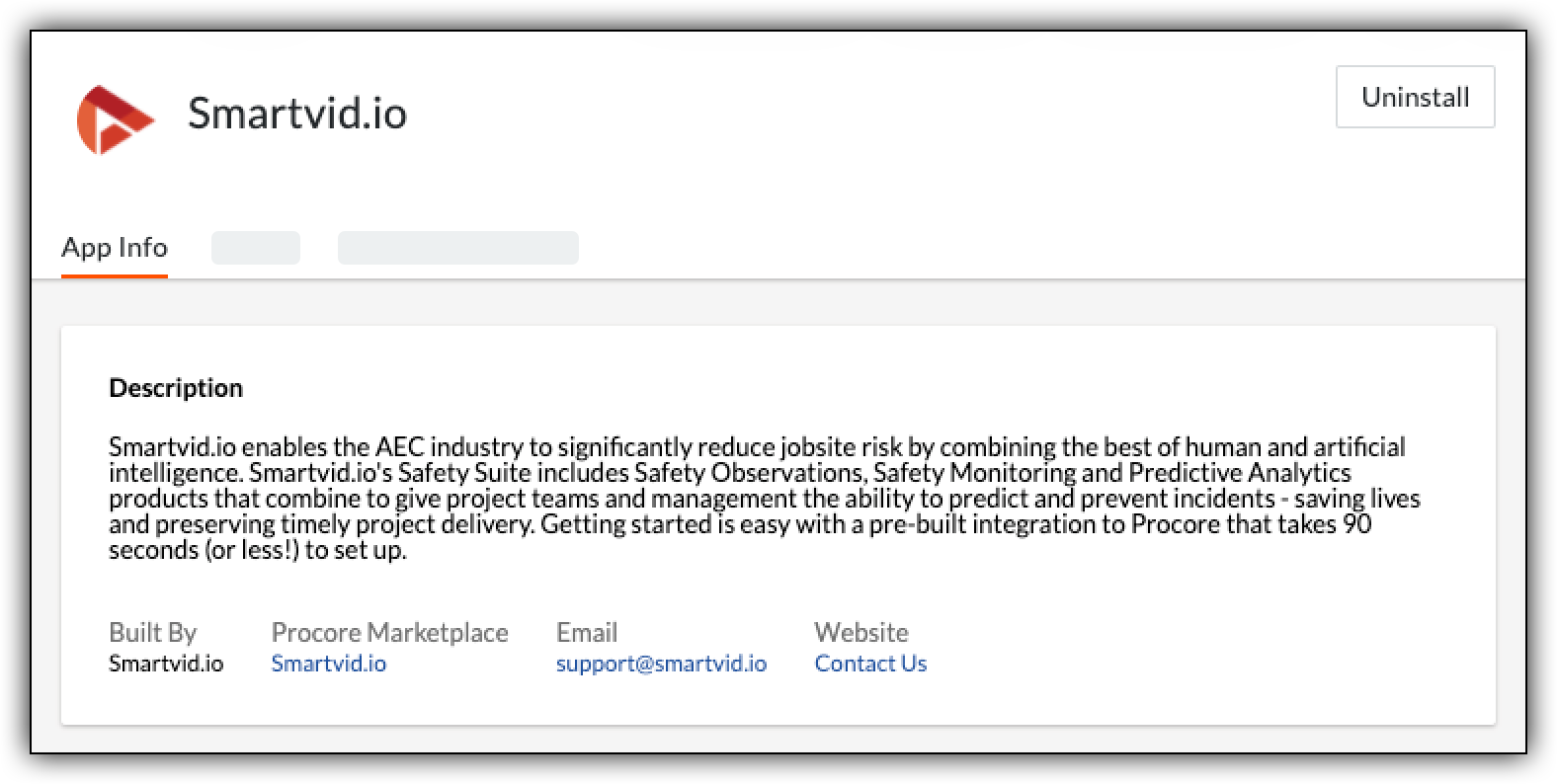
General App Information
The 'App Info' tab displays a variety of information about the selected App.
Description - provides an overview of the App and how it integrates with Procore.
Built By - shows the name of the App developer.
Procore Marketplace - provides a link to the App listing on the Marketplace.
Email - lists the email address for requesting support.
Website - provides a link to the developer website.
See Also
Loading related articles...