What changes when companies upgrade to paid accounts?
Limited Release
Free Procore accounts are currently only available in the United States and Canada.
Free Procore accounts are currently only available in the United States and Canada.
If you are a company in the construction industry, you can create a free Procore account and join the Procore Construction Network. Through your free account, you can view and access your Procore projects and bids, manage your team and business profile, and more. To access a full suite of project management tools, you can purchase a Procore subscription and transition to a paid account.
When you upgrade to a paid Procore company account, certain aspects of your experience change as new tools become available.
Paid Procore Accounts
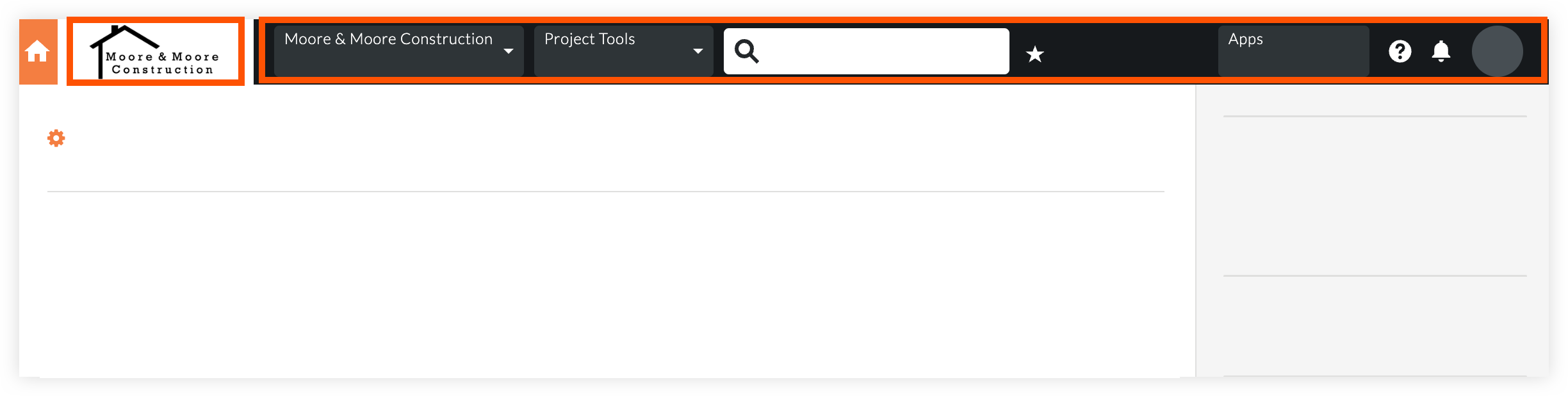
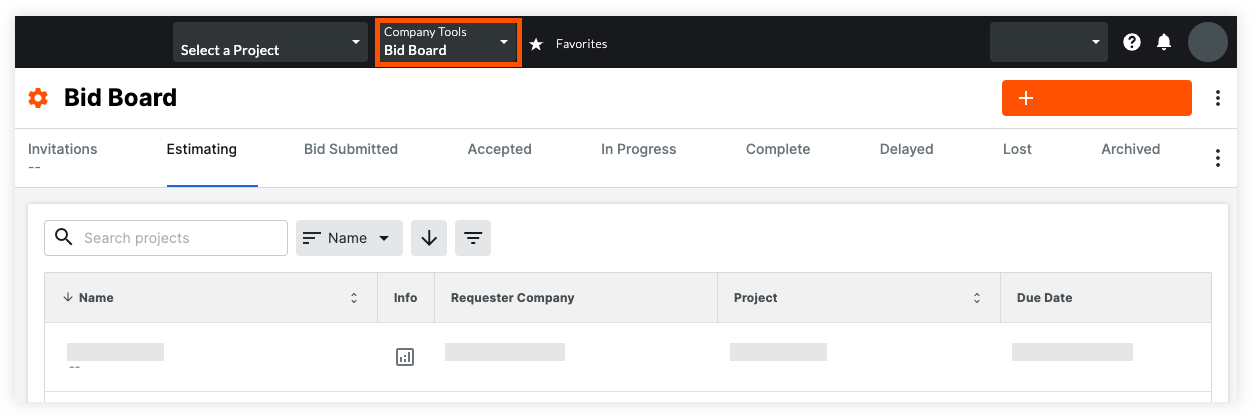
Users in paid Procore accounts have a navigation menu across the top of their screens, where tool and project selection menus are found. A company logo is usually visible on the left side of the navigation menu.
Free Procore Accounts
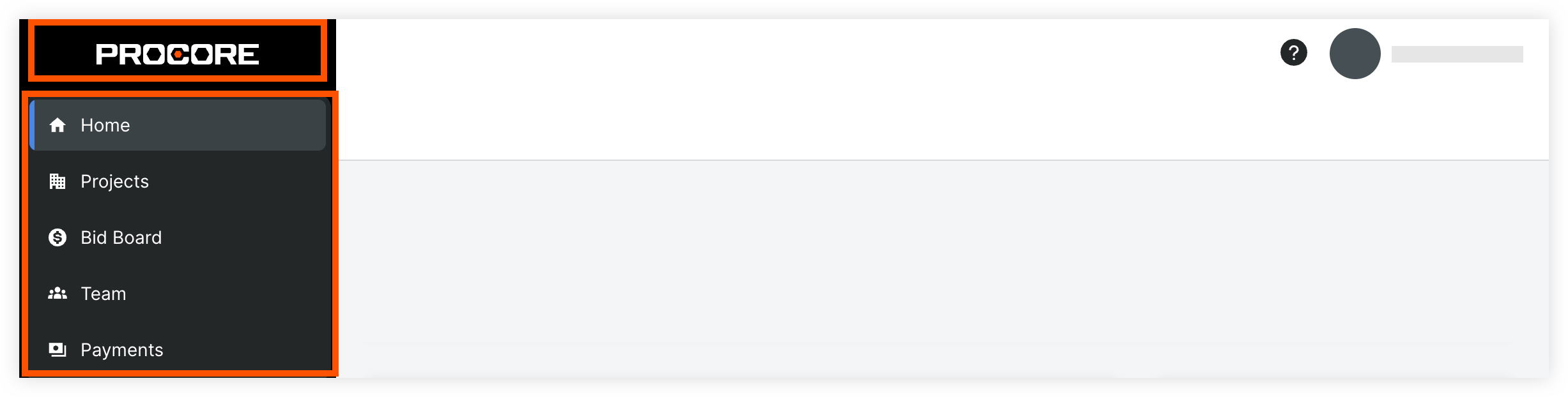
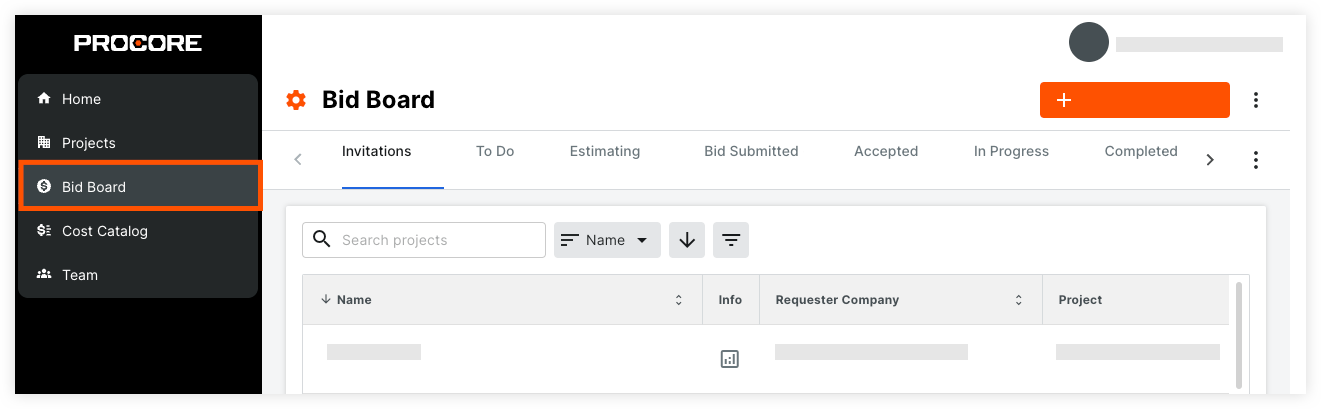
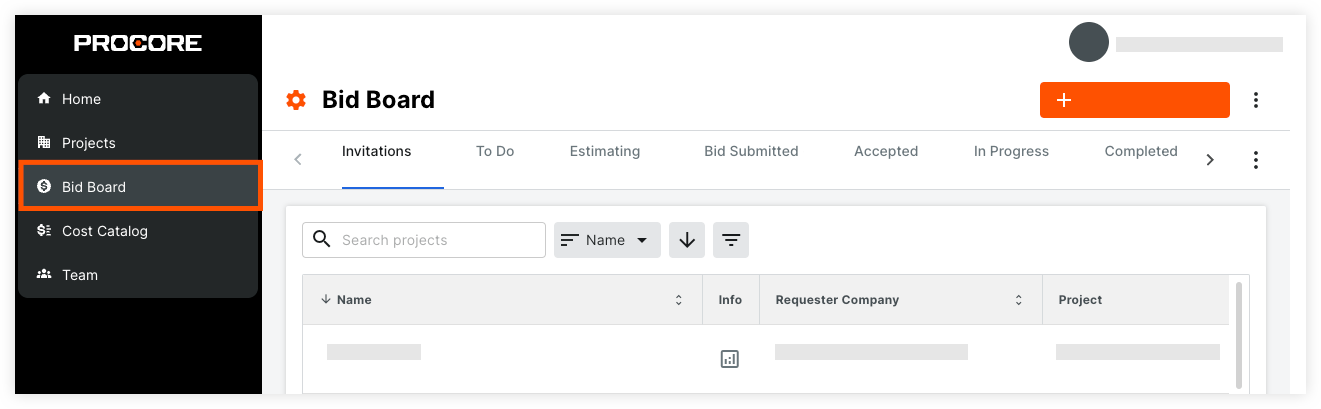
Users with free Procore accounts have a navigation menu that runs from top to bottom along the left side of the screen. A Procore logo is visible at the top of this navigation menu.
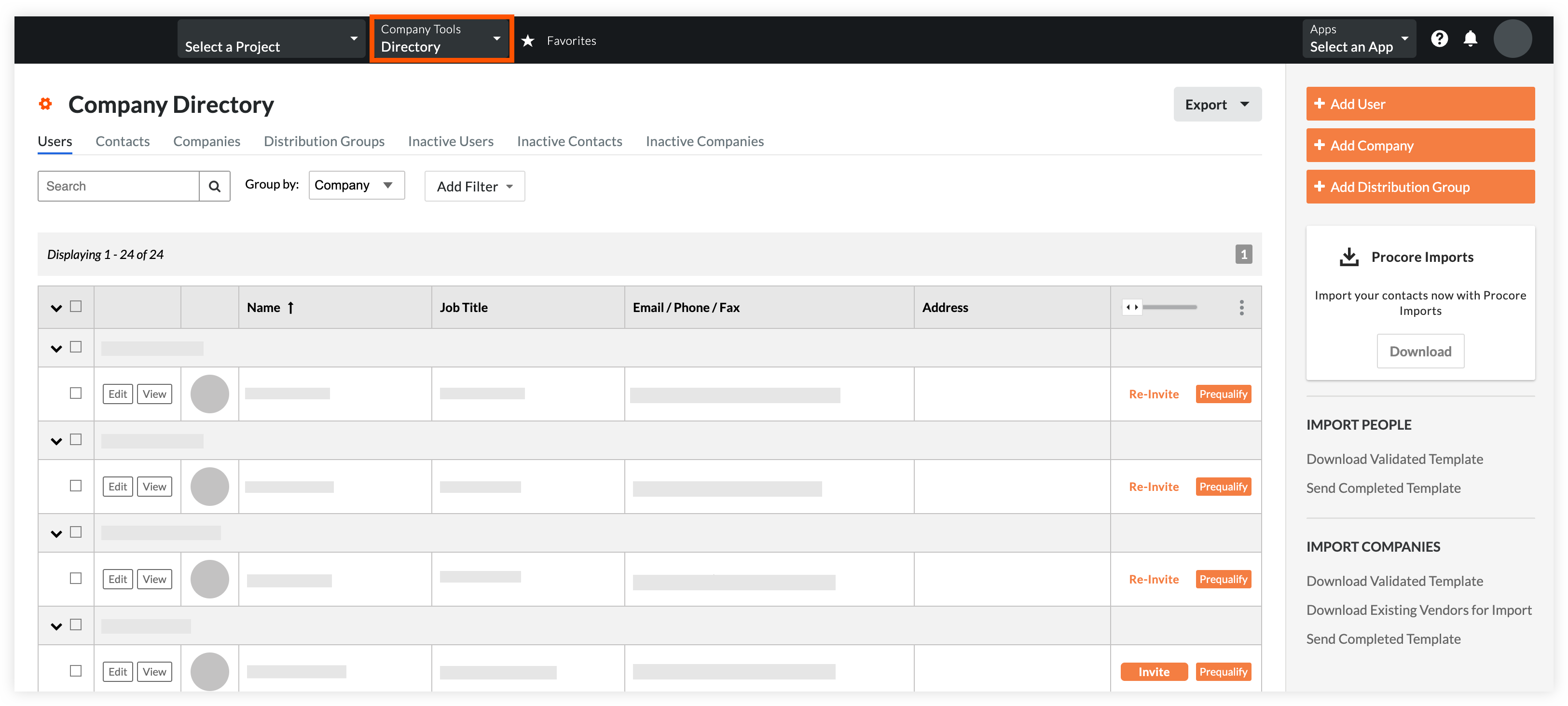
Instead of using the 'Teams' tool, you will use the Company level Directory tool to manage your employees and collaborators. Because not all of your users and collaborators will work on every project, you will also have a Project Directory for each of your projects. Users and companies added to a Project level Directory are automatically added to the Company level Directory for a single source of truth for all your users.
Paid Procore Accounts
Free Procore Accounts
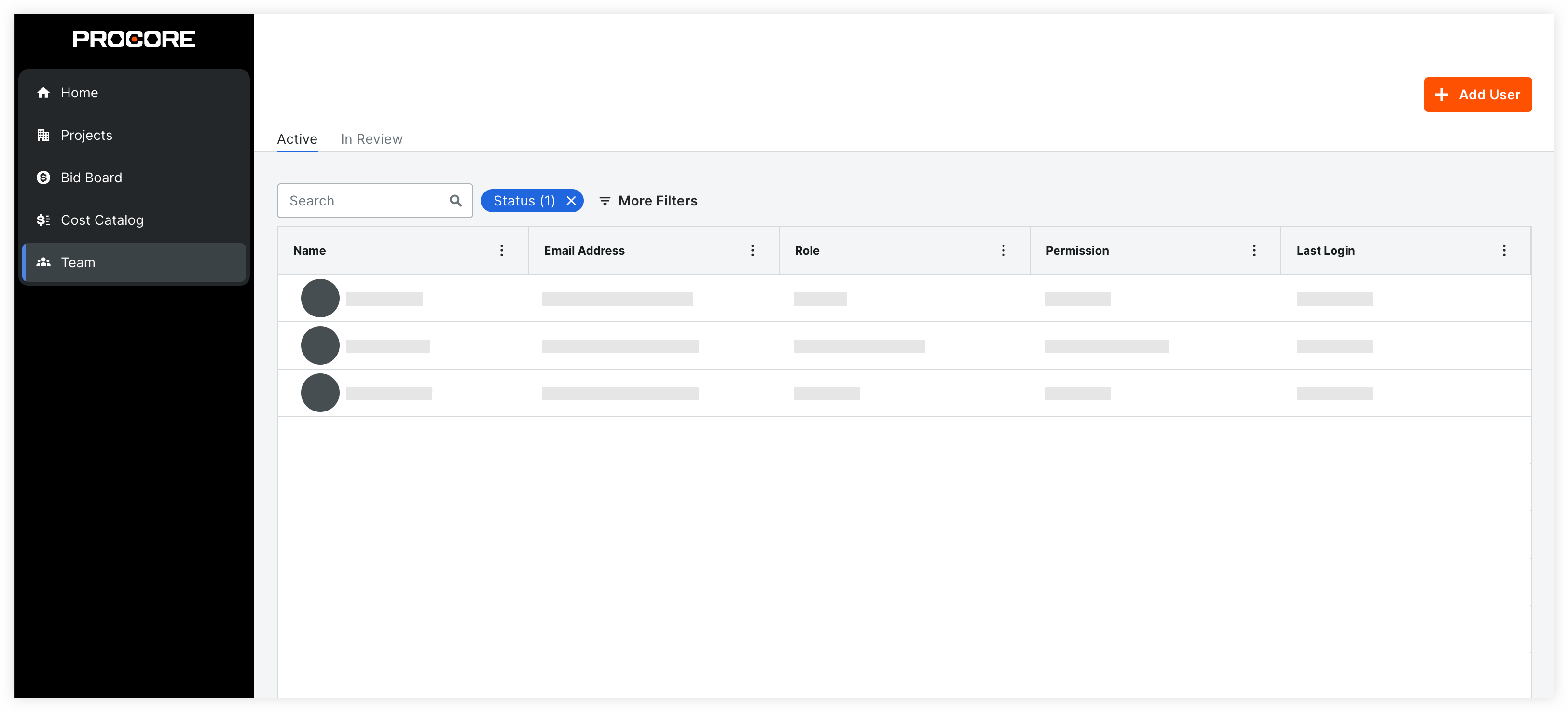
Users added as a member of your company may need to have the same email domain to be added.
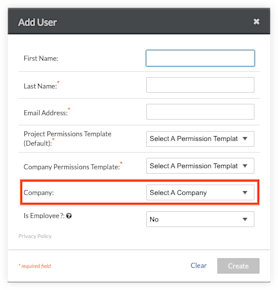
With your upgraded account, you can invite collaborators to your projects. Build out your broader team by creating companies and adding collaborators to your Directory.
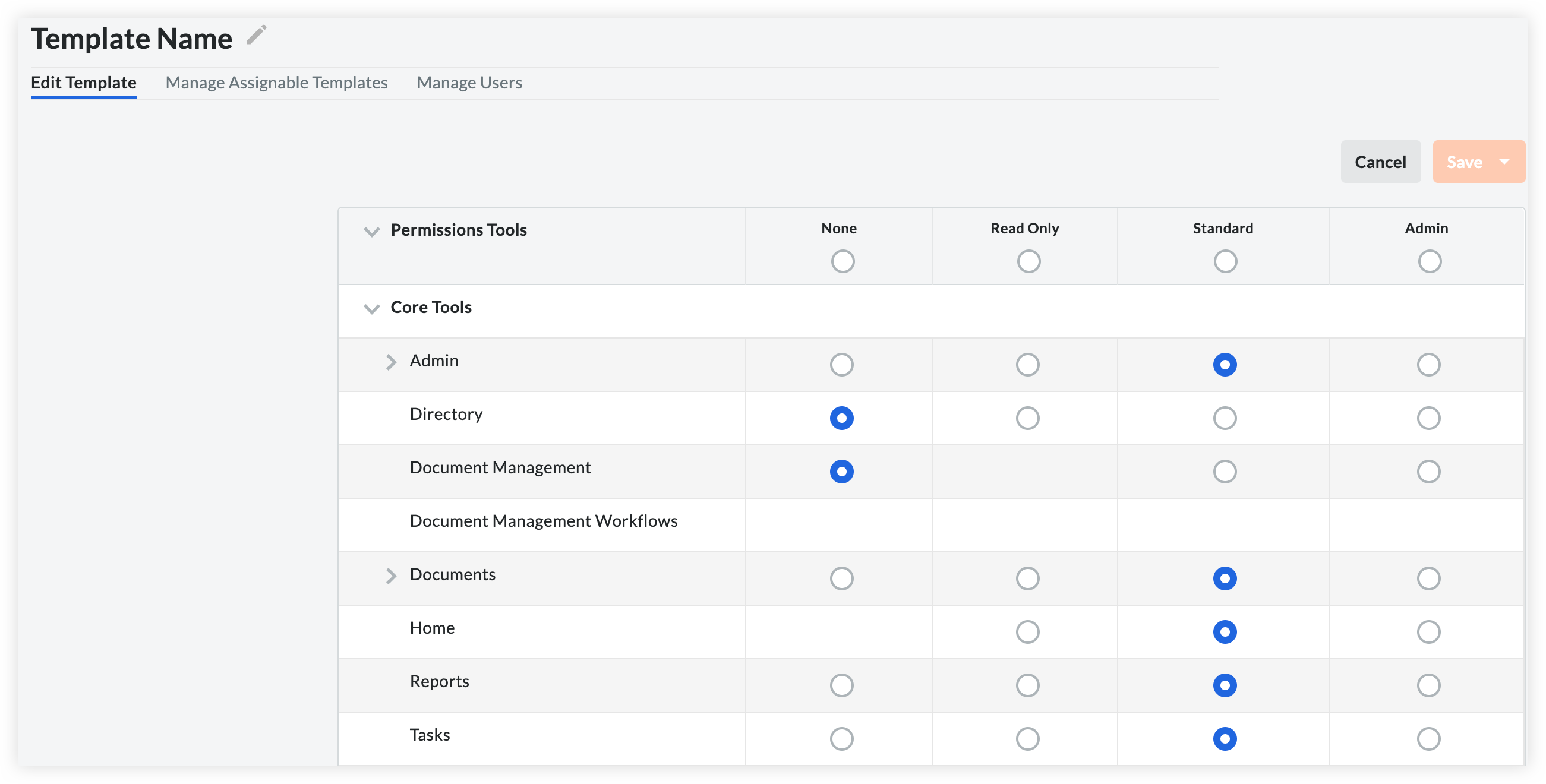
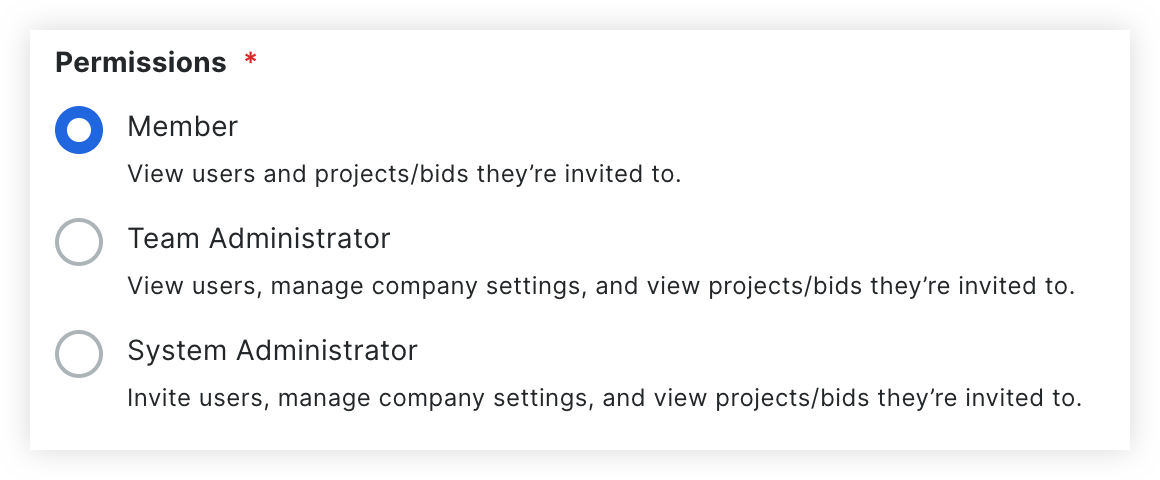
Instead of assigning one of three permissions to a user, you will now use the Company level Permissions tool to create permissions templates that give access to tools and actions for the tools your company has access to.
Existing user permissions are carried over from your free account. You can update those permissions templates or create new ones.
You can manage user permissions in the Permissions tool, or when editing the user in the company's Directory.
Paid Procore Accounts
Free Procore Accounts
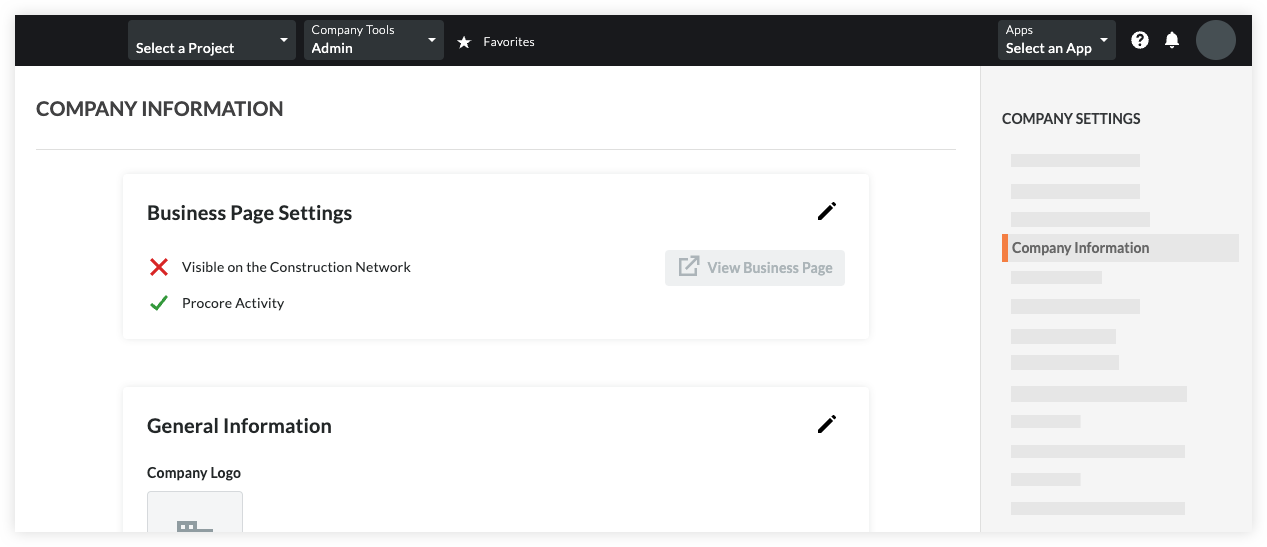
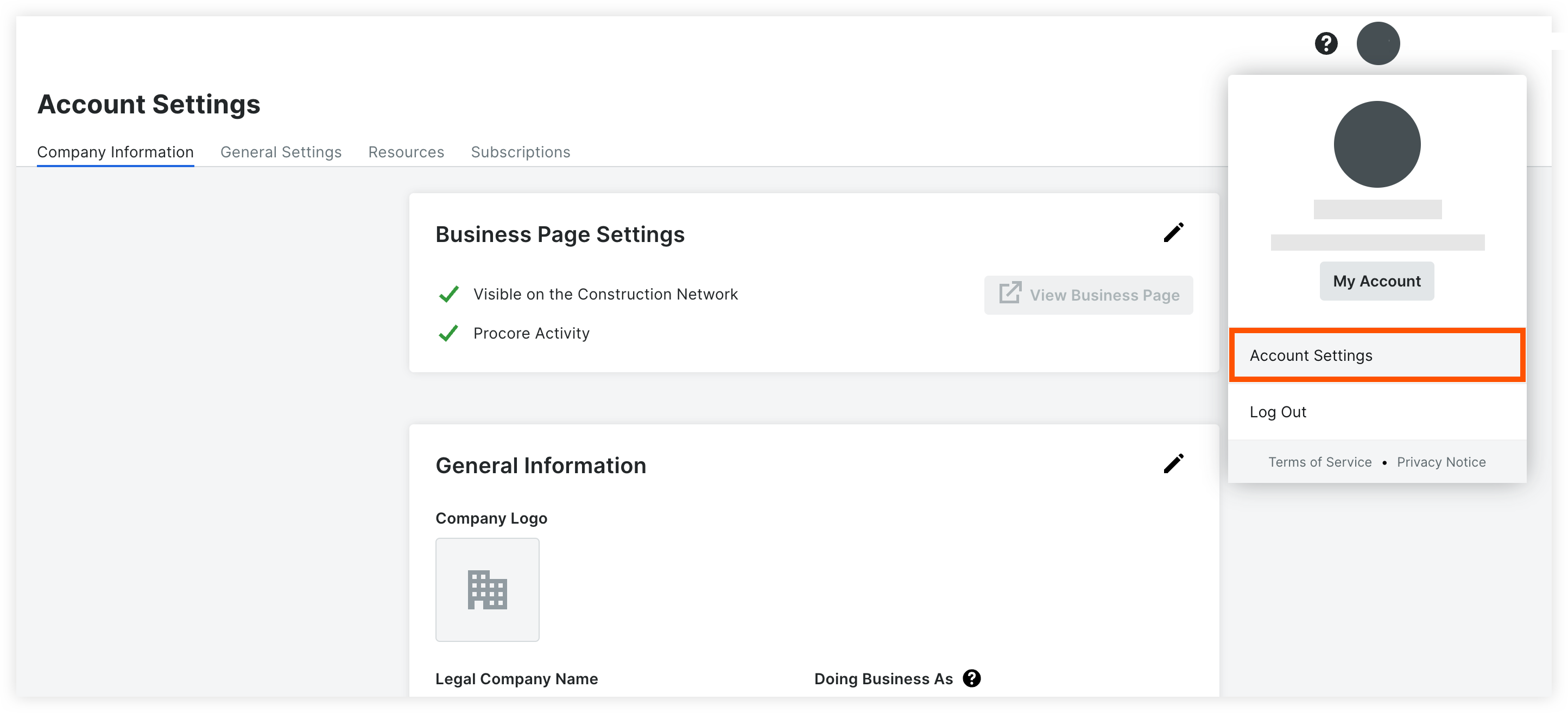
You can manage your business page information and visibility on the Procore Construction Network in the Company Information section of your Company's Admin tool.
Paid Procore Accounts
Free Procore Accounts
If you purchased Procore's Estimating tool, you can continue to use the Bid Board tool, located in your new toolbar.
Paid Procore Accounts
Free Procore Accounts
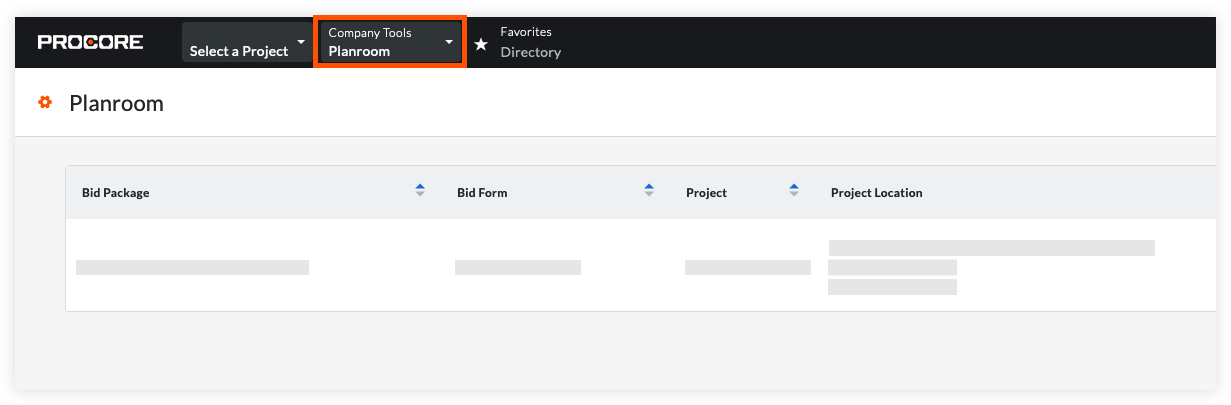
If you did NOT purchase Procore's Estimating tool, you will access bids through the Planroom tool of the company that invited you to bid.
Paid Procore Accounts
Free Procore Accounts
Loading related articles...